Same-day remote troubleshooting
Fast remote sessions for the issues that stop work, without waiting days for a ticket queue to notice.

Friendly same-day remote help for day-to-day tech problems, and onsite visits when hands on the hardware are what you need.
Lockouts, printers, and apps fixed before the afternoon is gone.
Hands on hardware across Western Washington.
Support people will actually use.
Locked accounts, broken printers, software that won't launch, or "I can't get into email." These eat half-days when the only IT person is also running the business or the front desk. At Network26, help desk means real technicians, plain English, and same-day remote help so people get back to work.
Remote is default when it’s faster. Onsite is available across the Greater Puget Sound when something needs hands on the hardware: new workstations, office moves, stubborn printers, or network gear that won’t cooperate. Help desk works best alongside managed IT, Microsoft 365, and network & server administration. Prefer as-needed help without a monthly plan? See projects & break-fix or managed IT vs. break-fix.
Day-to-day support for staff, plus hands-on work when remote isn’t enough.
Fast remote sessions for the issues that stop work, without waiting days for a ticket queue to notice.
Microsoft 365, Windows, and common business apps, so one forgotten password doesn’t become an all-hands emergency. When you need to pass a new password safely, try our free one-time private note.
Apps installed correctly, licenses respected, and updates that don’t leave half the office on different versions.
Accounts, devices, and access set up when people join, and cleanly removed when they leave.
The everyday friction that never makes an “IT strategy” slide, but always lands on your desk until someone fixes it.
Workstation setup, hardware deployment, office moves, and hands-on installs when remote can’t finish the job.
New hires, resets, and credential hand-offs: send a one-time private note that burns after it’s opened—so secrets don’t live in email or chat forever.
We pick the path that gets your people unblocked fastest, remote when it’s quicker, onsite when that’s what you need.
Best as part of managed IT for most teams. Prefer pay-as-you-go? See projects & break-fix or managed IT vs. break-fix.
If you’re still the default IT person for every password, printer, and Outlook crisis, help desk is how staff get unblocked without you.
Leadership still fields “can you fix my laptop?” while trying to run the business.
Staff need same-day remote help so patients and clients aren’t waiting on a stuck PC.
Home and office workers who need one clear place to go when email, VPN, or apps fail.
Onboarding, offboarding, and day-to-day friction that outgrows a friend who “knows computers.”
Examples of teams that stopped treating leadership as the help desk.
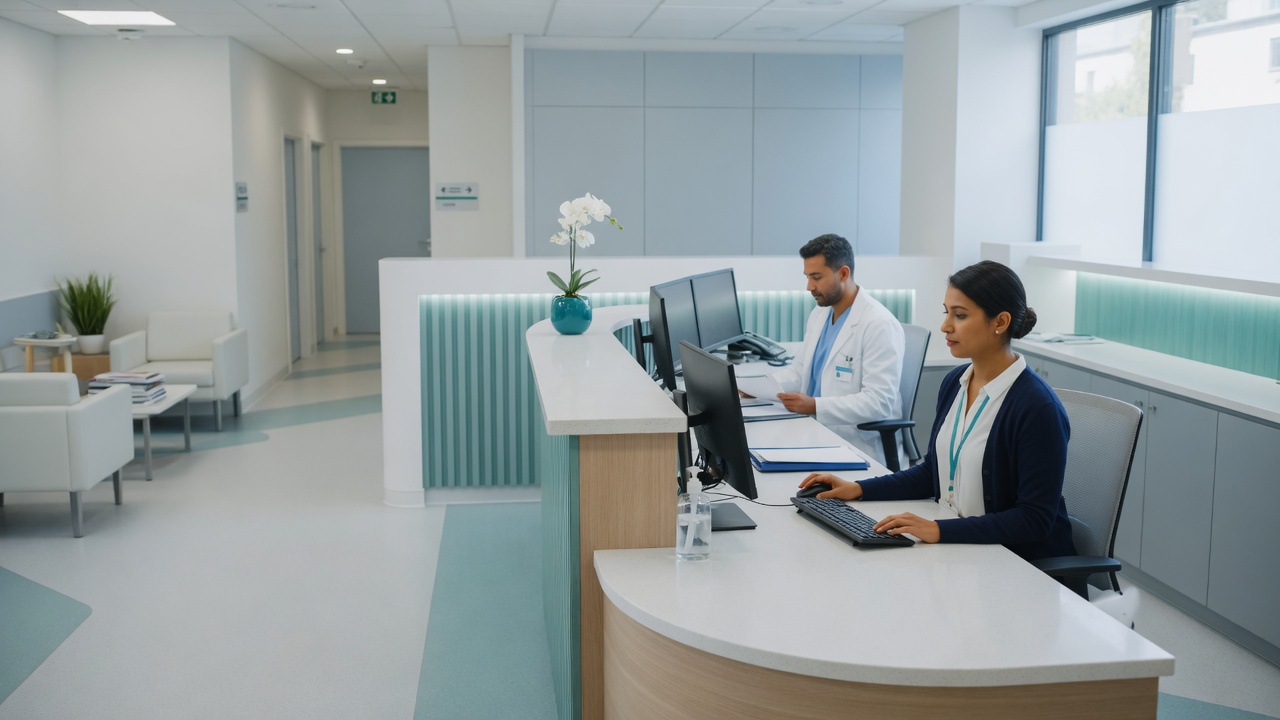
Help desk alongside tested backups and endpoint protection for a busy practice.
See how we work →
Clear support plus Microsoft 365 and backups for growing firms that outgrew ad-hoc IT.
See how we work →
Proactive monitoring and maintenance so help desk tickets shrink over time.
View managed IT →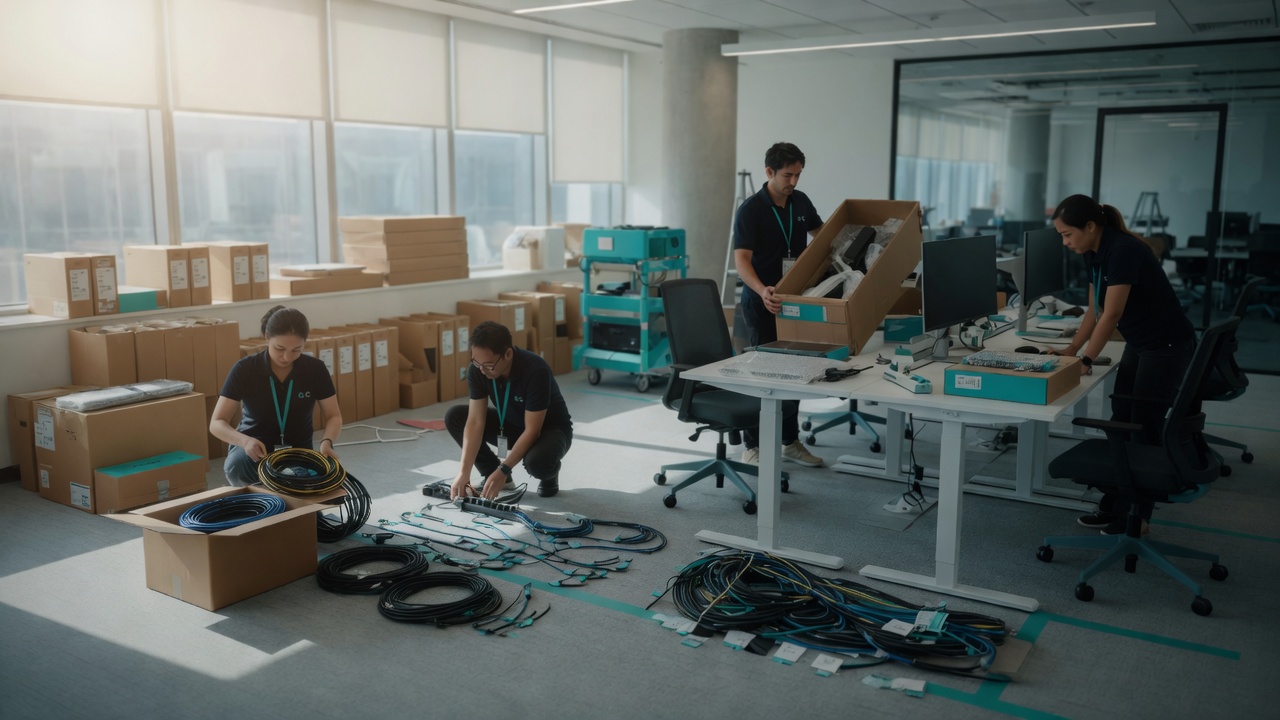
Email and collaboration tools staff use every day, administered correctly.
View Microsoft 365 →
Wi-Fi, firewalls, and remote access that keep connection tickets rare.
View network & servers →
Protection and backups that cut phishing and lockout fire drills.
View cybersecurity →Onsite across Seattle, Tacoma, Olympia, Puyallup and surrounding Western Washington.
Same-day remote troubleshooting for passwords, lockouts, software installs, printers, email, apps, and new-hire onboarding, so staff aren’t stuck waiting on the owner or office manager.
Yes. Remote is the default for speed. Onsite visits are available throughout Western Washington when hands-on work is needed: hardware, installs, office moves, and issues that can’t be fixed remotely. See service areas.
Help desk works best as part of managed IT for most teams, and that’s what we recommend. We also support break-fix and project work if you need as-needed help without a monthly plan.
Call or text 425-368-9526, email [email protected], or use the contact form for a free assessment.
Free assessment, ongoing help desk with managed IT, or project/break-fix when that fits better. Clear pricing, no pressure.