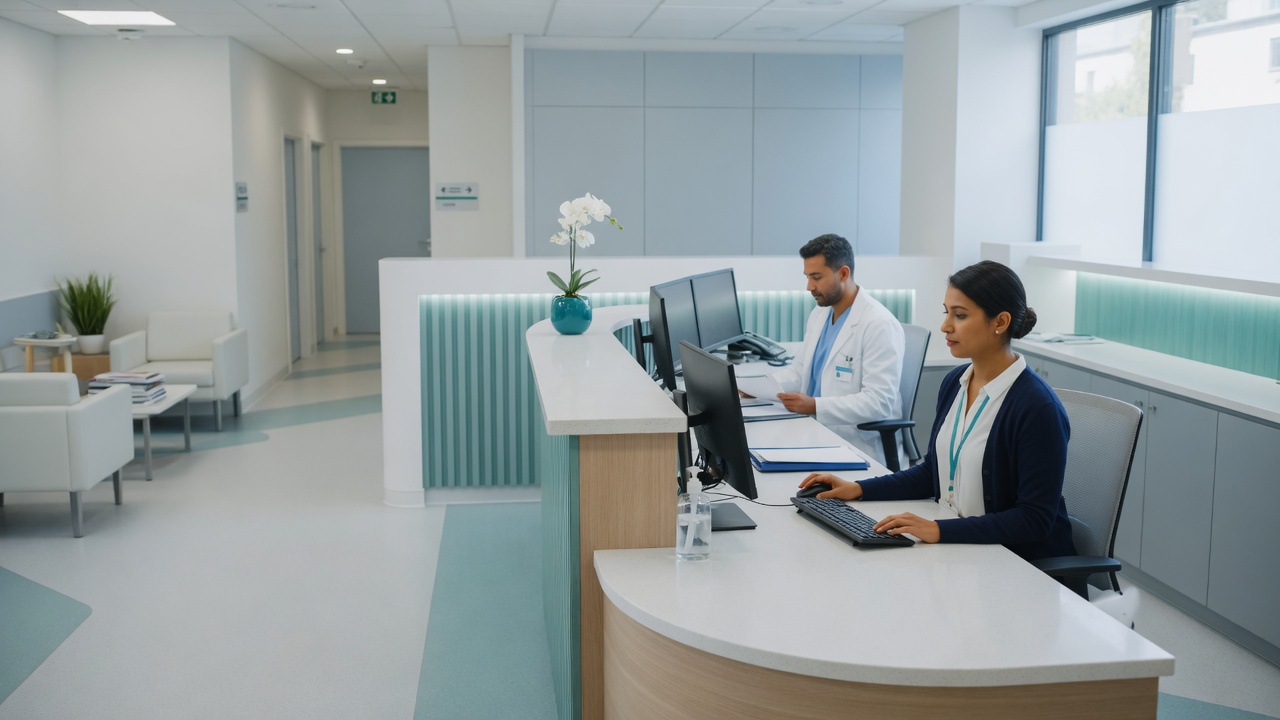
Clinical teams need technology that stays out of the way of patients. Tested backups, workstations that don’t become the weak link, and someone other than the office manager when a printer or EHR login blocks the morning.
Providers, front desk, and billing share workstations and cloud apps. Scheduling, imaging, and charting all need working logins, printers, and a network that holds through the morning rush. The office manager is often the unofficial IT person. The practice is not buying a hospital IT department.
A busy clinic that can’t pause for IT
A small-to-mid medical or specialty clinic. Providers, front desk, and billing share workstations and cloud apps. Things work most days until a restore is needed and nobody knows if backups are good, a workstation fails mid-clinic, or password resets keep landing on the office manager between patients.
IT friction mid-clinic
Backups may exist, but nobody has restored a test file in months. Some workstations still run leftover consumer antivirus. The office manager is the unofficial IT person, so a printer at checkout or a locked EHR login lands on them while patients are in the lobby.
The practice is not buying a hospital-sized security program. They need a restore they can trust, machines that don’t become the weak link, and someone other than the front desk to call when the morning schedule is already full.
Protect recovery, free the front desk
We start with “could we get yesterday’s schedule and charts back?” and “who does the front desk call at 8:10 a.m.?” Then we sequence the rest around patient flow.
Assessment
Look at workstations, current backup jobs, and where the morning rush actually stalls—printers, imaging PCs, shared logins. You’ll get a short list of what would lose a clinic day versus what can wait.
Backup design
Automated cloud and local strategy with restore testing so “we have backups” means something real when you need them.
Endpoint protection
Consistent business-grade protection on workstations—not a patchwork of consumer tools left over from different machines.
Help desk for staff
Same-day remote support for lockouts, printers, and apps so clinical staff stay with patients instead of troubleshooting.
Managed plan (optional)
Ongoing monitoring, patching, and maintenance under predictable monthly pricing—or a focused project if that’s the better fit for the practice.
Around the appointment book
Where the morning rush stalls, whether a restore has ever been tried, and which PCs still run leftover antivirus.
Fix backups, restore a test file, line up endpoints, and give the front desk a number that isn’t the office manager.
Optional monthly watch and restore checks so the next new workstation doesn’t become a one-off again.
What that looks like day to day
- ✓ Someone has restored a test file recently—and can say what a real recovery would look like.
- ✓ Front desk stays on check-in, not password resets, during the morning rush.
- ✓ The EHR vendor stays the EHR vendor. We own the devices, network, and restore around it.
A clinic day is appointments, not tickets. The work is knowing a drive failure wouldn’t wipe the schedule—and that a locked workstation at 8:10 a.m. doesn’t become the office manager’s problem.
Common questions from clinics
Will backup work interrupt clinic hours?
We schedule hands-on work around patient flow—often early, late, or quieter blocks. Remote configuration and monitoring don’t require staff to stop mid-clinic.
Do we need a full managed plan?
Not always. A lot of practices start by proving backups and lining up endpoints, then add monthly monitoring if the office manager is still drowning in tickets. We’ll say which one this clinic actually needs.
Can you work alongside our EHR vendor?
Yes. We focus on the devices, network, backups, and day-to-day support around your clinical apps—not replacing the EHR vendor. Clear handoffs keep both sides effective.