Endpoint protection & antivirus
Business-grade protection on laptops and desktops, with monitoring so threats don’t sit unnoticed for weeks.

Endpoint protection, email security, tested backups, and access control, explained clearly, sized for small and mid-sized teams, without a stack of tools you’ll never use.
Endpoints, email, and access—not a single checkbox tool.
Automated backups with restore in mind.
Right-sized for SMBs—no enterprise product parade.
Phishing, ransomware, and account takeovers hit small offices the same way they hit big ones, often with fewer people watching the inbox. At Network26, cybersecurity is practical: stop easy attacks, keep backups that restore, and lock down access without burying you in enterprise packages.
We pair security with day-to-day support through managed IT when you want ongoing care, and we also handle focused security projects or as-needed work if you only need a specific fix. Same standards either way: clear communication, honest recommendations, and no unnecessary upsells.
Layers that matter for small and mid-sized teams. We implement what you need, not a product catalog dump.
Business-grade protection on laptops and desktops, with monitoring so threats don’t sit unnoticed for weeks.
Reduce spoofed invoices and fake login pages with filtering, authentication (SPF, DKIM, DMARC), and practical staff guidance.
Backups only count if you can restore them. We set up automation and keep recovery in mind, not “set and forget” hope.
Office networks and remote access configured so guests, staff, and servers aren’t sharing the same free-for-all Wi-Fi trust model.
MFA where it matters, cleaner shared logins, and onboarding/offboarding so former staff don’t keep keys to the kingdom.
We’ll tell you what’s urgent, what’s nice later, and what you can skip, so you’re not sold fear on a monthly subscription you don’t need.
Before you buy anything, see how easy it is for someone to send mail that looks like it came from you. Tools hub →
Security works best as a habit. We still offer one-time hardening when that’s what you need.
See managed IT services for how ongoing support works.
Pay for the work performed. We’ll say if ongoing managed care would cost less than another emergency later. Projects & break-fix →
If client data, payments, or reputation live in email and files, security isn’t optional, it just has to be right-sized.
Client confidentiality, secure email, and access control when staff turn over.
Backups and endpoints that support patient care systems without drama.
Fewer wire-fraud scams and cleaner networks for POS-adjacent offices.
Laptops, Microsoft 365, and remote access that stay protected outside the office.
Composite scenarios focused on backups, email hardening, and right-sized protection.
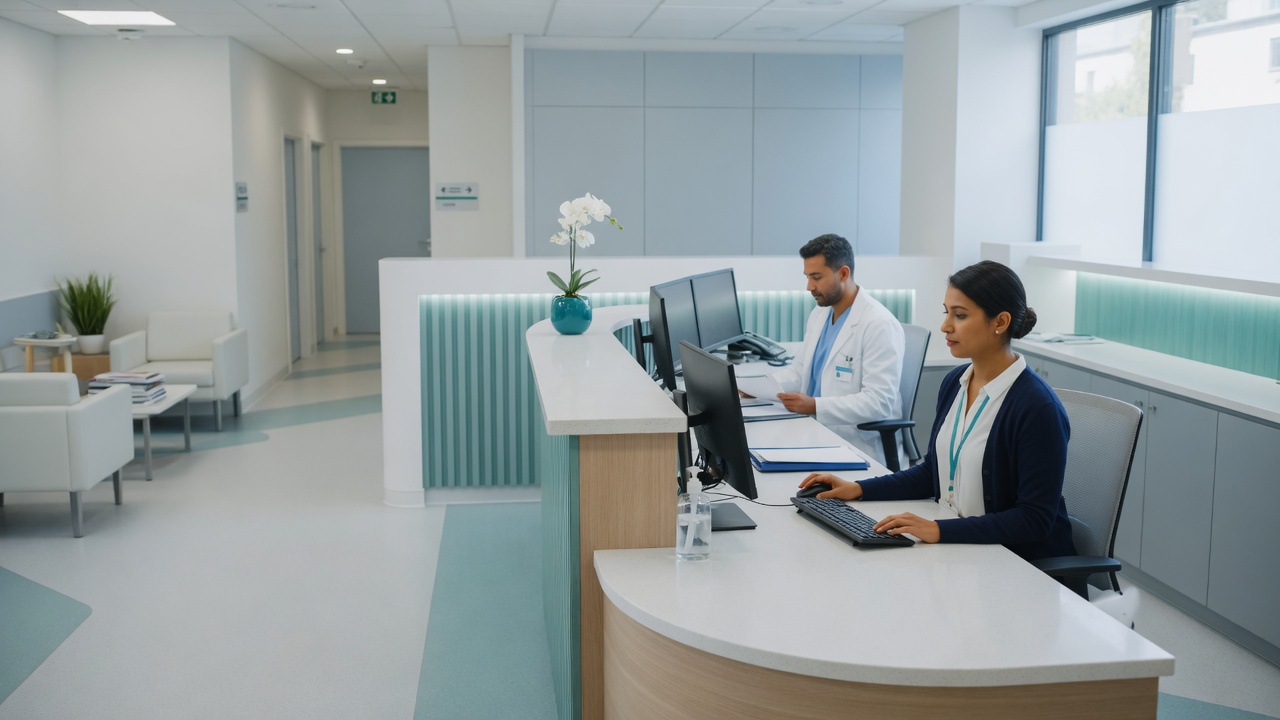
Tested restores, endpoint protection, and same-day support so clinical staff stay with patients.
See how we work →
MFA, DMARC, and practical controls so client mail is harder to spoof.
See how we work →
Monitoring, patching, and help desk so security stays maintained, not a one-time install.
View managed IT →
Same-day help when staff hit phishing, lockouts, or cannot get into email.
View help desk →
Firewalls, Wi-Fi, and remote access designed with security in mind, not bolted on later.
View network & servers →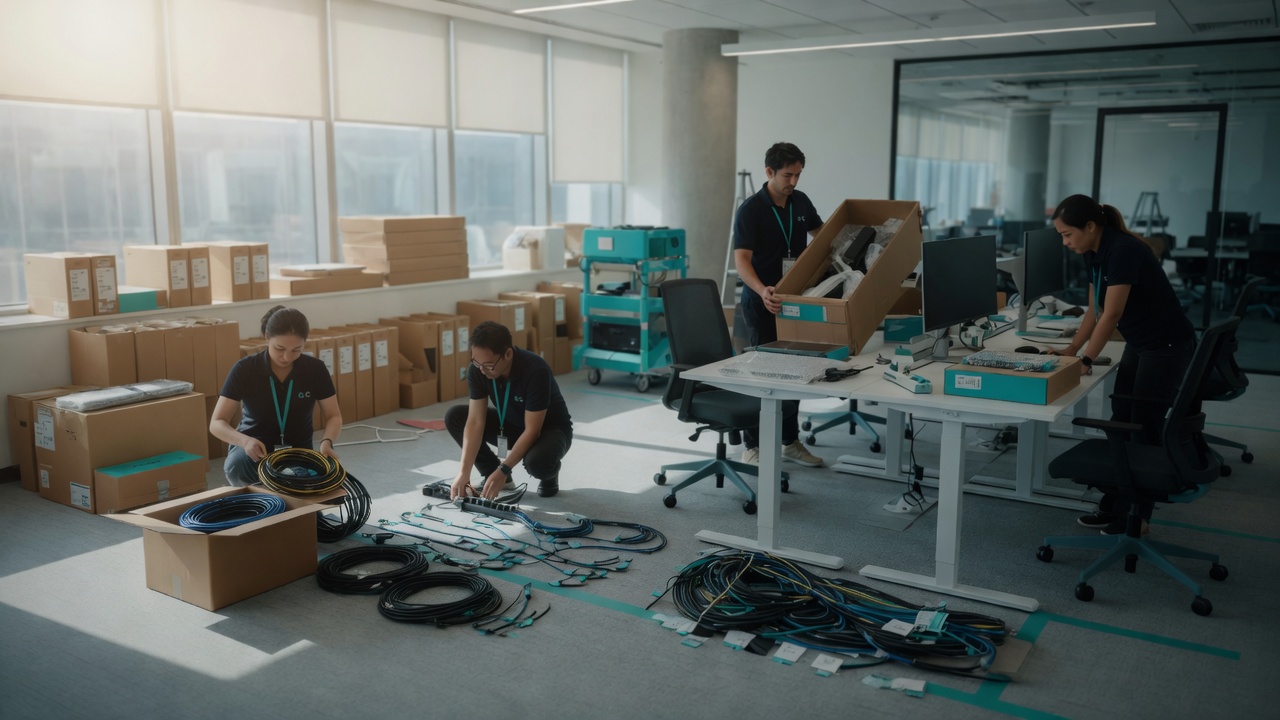
Tenant admin, MFA, and email authentication that security work depends on.
View Microsoft 365 →Local coverage: Seattle · Tacoma · Olympia · Puyallup · all service areas
Endpoint protection, email security and phishing awareness, automated cloud and local backups, firewall and network security, and password/access management. We prioritize what actually reduces risk for your size of business.
No. Ongoing managed IT is what we recommend for most teams, but we also do focused projects and break-fix security work, email authentication, backup setup, reviews, or incident help, if that’s the better fit.
Use our free DMARC checker, spoof email preview, and header analyzer. No signup. We can fix what those tools flag.
Antivirus is one layer. We also look at backups that restore, email authentication, MFA and access control, and firewall hygiene, so a single weak spot doesn’t take the whole office down.
Call or text 425-368-9526, email [email protected], or use the contact form. Honest gaps and next steps. No pressure.
Free assessment, clear priorities, and options for ongoing managed care or a focused project, no enterprise runaround.
Home · Managed IT · All services · DMARC tool