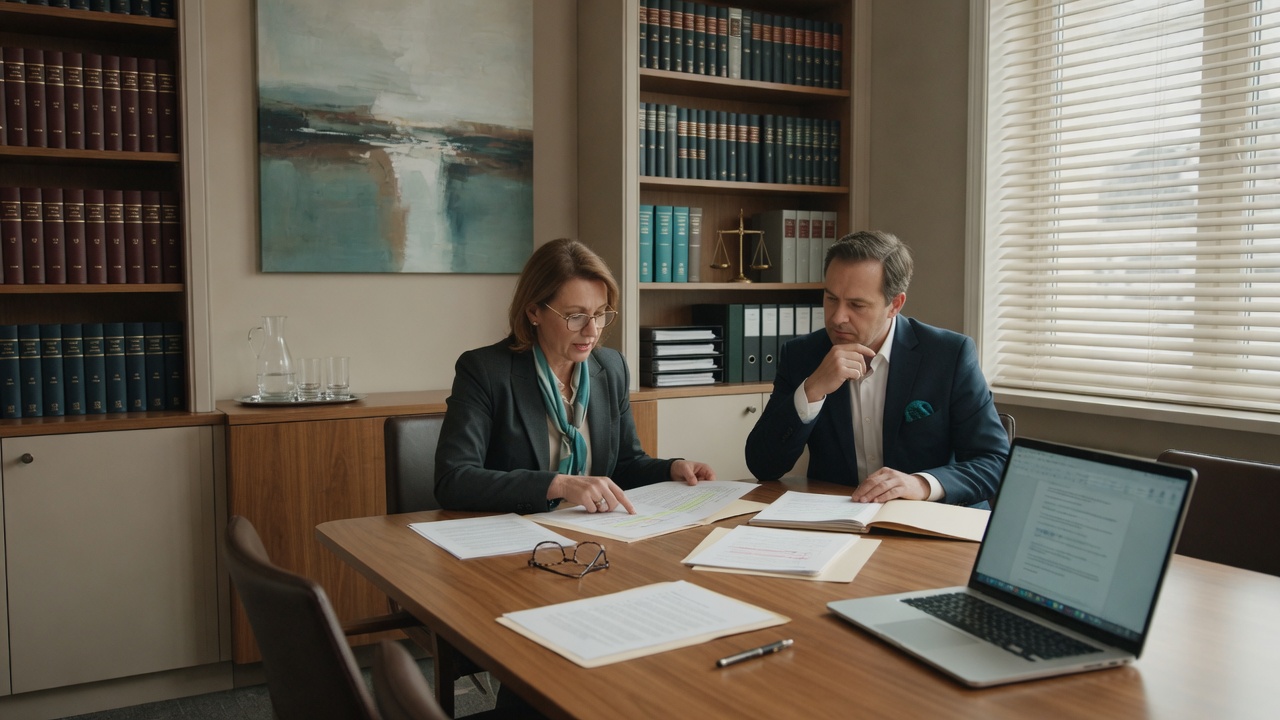
Growing consulting, accounting, and design teams hit a wall. Microsoft 365 got messy, and partners are still the help desk. We clean the tenant and give staff a ticket instead of a tap on the shoulder.
Consulting, accounting, design, and similar firms often add people and clients faster than their support model. Email and files already live in Microsoft 365. A friend who “knows the systems” is no longer enough when a partner is stuck mid-proposal or a client security questionnaire has no owner.
A growing team living in Microsoft 365
A consulting, accounting, or design firm that added people faster than it added an IT owner. Email and files already live in Microsoft 365. New hires need accounts this week; people who left still have licenses. When Outlook or a shared library breaks, the proposal waits on whoever fixed it last time.
Outgrown “a friend who knows computers”
The tenant grew by habit. Extra licenses sit on people who left. Sharing links are wider than anyone meant. Backups exist somewhere, but nobody has restored a file. A partner still takes password resets in the middle of a client call.
The firm needs an owned Microsoft 365 tenant, a hire and offboard path that isn’t a scramble, and a ticket instead of a tap on a partner’s shoulder.
Clean the foundation, then stay accountable
We start with the tenant as it actually is—seats, leftovers, and who staff interrupt—then clean that up so client work isn’t waiting on IT folklore.
Assessment
Walk the tenant: licenses, leftover accounts, sharing, devices, and whether a restore has ever been tried. You’ll get a short list of what is costing seats or interrupting client work.
Microsoft 365 cleanup
Straighten licenses, permissions, and email security basics so collaboration is intentional, not accidental—and stale accounts don’t linger.
Backups & security hygiene
Automated backups with restore in mind, plus endpoint protection and practical access controls that match a professional firm’s risk.
Help desk
A clear place for password resets, app issues, and onboarding—with same-day remote when possible so staff stop interrupting partners.
Managed relationship
Ongoing monitoring and maintenance under a predictable monthly plan, with project work when the office needs hands-on changes or growth.
Around deadlines, not a six-month cleanup
Who still has a license, who staff interrupt, and whether a restore has ever been tried.
Offboard leftovers, tighten sharing, prove a restore, and stand up a ticket instead of a partner tap.
A monthly plan so the next hire and the next offboard don’t restart the scramble.
What that looks like day to day
- ✓ A new hire gets an account without someone digging through leftover licenses.
- ✓ Staff open a ticket instead of interrupting a partner mid-proposal.
- ✓ Someone can answer a client’s “who has access to our files?” without guessing.
The firm already has Microsoft 365. What’s missing is an owner. Seats should match the roster, files should not be accidentally public, and the number staff call should not be a partner’s cell when a deadline is today.
Common questions from professional firms
We’re already on Microsoft 365—do we still need help?
Often yes. Licenses, sharing, MFA, backups, and day-to-day support are where growing teams get messy—not whether Outlook opens. We clean the foundation and keep it owned.
Do we need a full managed plan?
Not always. Cleanup of licenses, sharing, and backups can be a project. A monthly plan makes sense once staff would rather tap a partner than open a ticket. We’ll say which one this team is actually in.
Will this disrupt client-facing work?
We sequence changes with support in place. Same-day help desk exists so a locked user isn’t stranded mid-deadline, and hands-on work is planned around your calendar—not dropped unannounced.