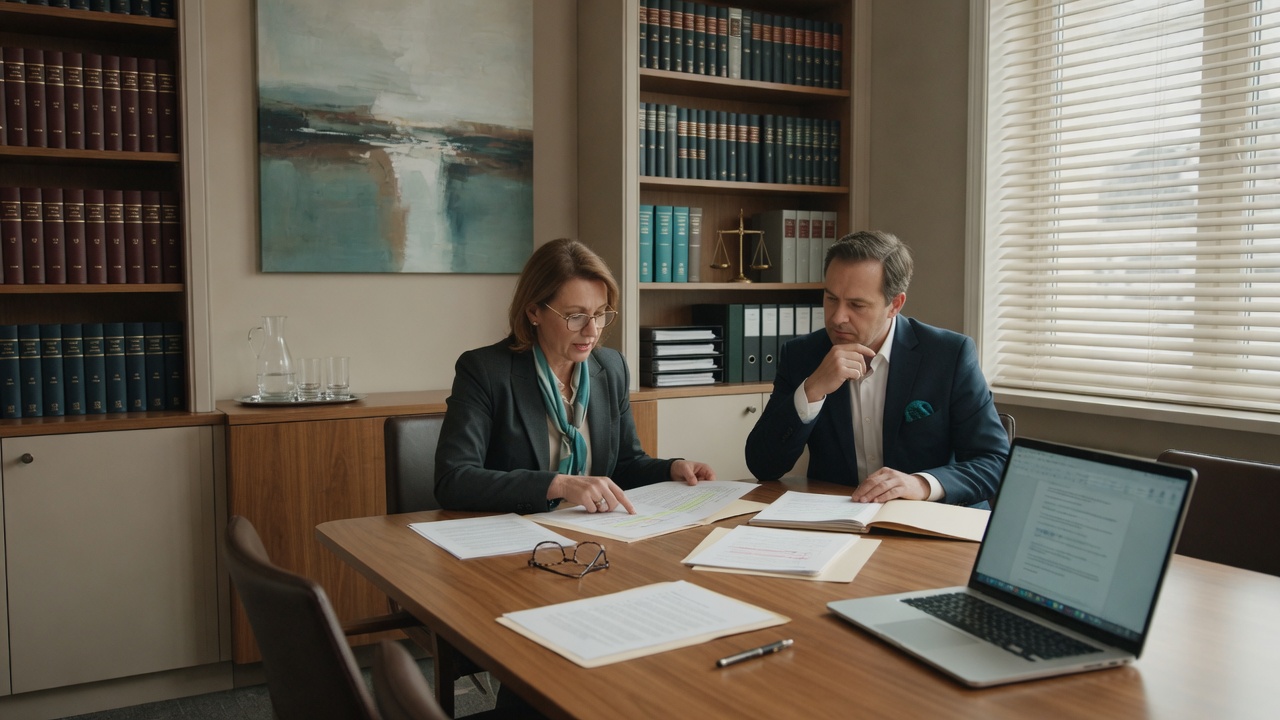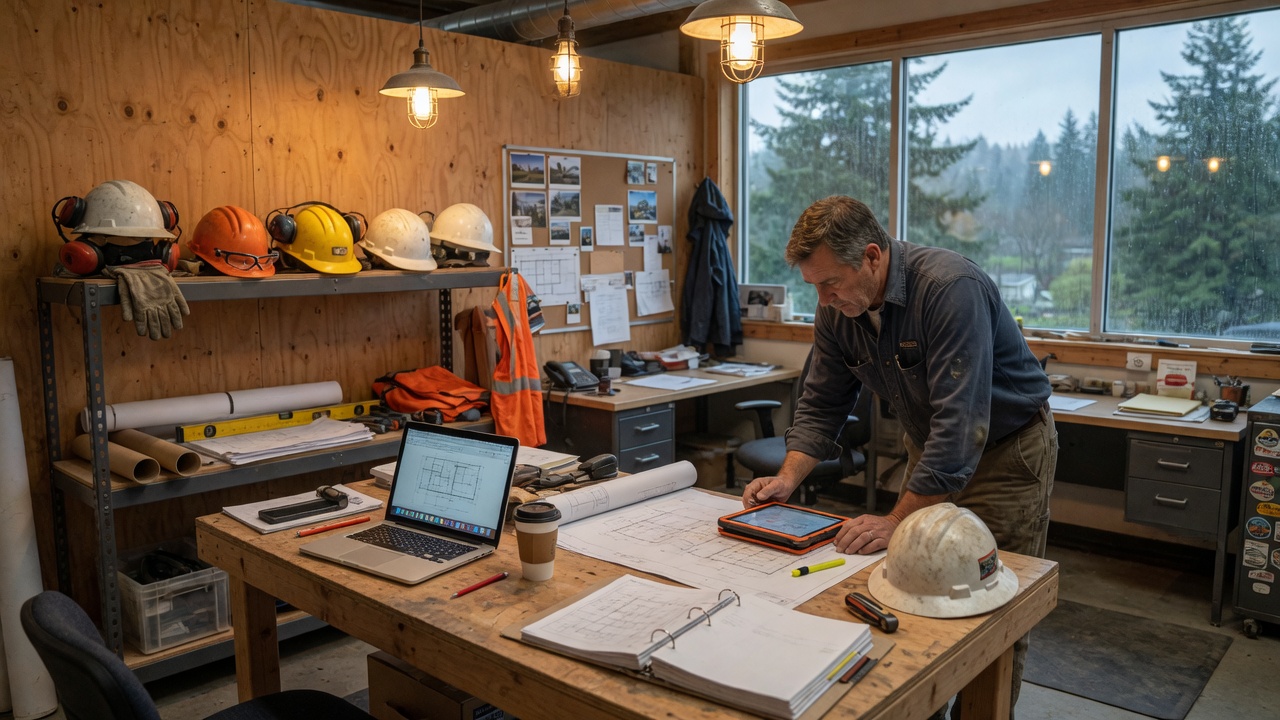
Property management teams live between the office and the field—leasing, maintenance coordination, owner reports, and vendor email that never stops. When Outlook, shared files, or remote access fails, move-ins slip and owners notice. Network26 stabilizes that stack without enterprise bloat.
Managers and leasing staff split time between desks, properties, and home. Shared mailboxes and file libraries hold the business. Vendors, owners, and tenants expect fast replies. “Whoever fixed it last time” stops working once the portfolio grows and payment-related mail never slows down.
A hybrid office that never sits still
A 10–30 person property or real estate office. Staff split time between desks, properties, and home. Things mostly work until an agent can’t reach files before a showing, a shared mailbox fills up mid-move-in week, or MFA locks someone out on a Saturday lease signing.
Growth outpaced the “IT person” model
leasing@ and maintenance@ grew without an owner. Owner reports and vendor invoices live in shared mailboxes. An agent on a Saturday showing can’t reach the lease packet. Fake “vendor” mail is a real risk because this office sends and receives payment instructions every day.
The office needs shared mailboxes that work from a unit walkthrough, fewer ways for a fake vendor to look real, and help that shows up on a lease day—not next Tuesday.
Stabilize the stack agents actually use
We start with the mailboxes and files a lease day actually uses, then clean access so an agent isn’t stuck in a parking lot.
Assessment
Review shared mailboxes, who can send payment-related mail, how agents reach files from a property, and whether a restore has ever been tried. You’ll get a short list tied to lease days and owner reports—not a generic tenant audit.
Email & identity hygiene
MFA that staff can live with, sensible sharing defaults, and email authentication (SPF, DKIM, DMARC) so spoofed “vendor” mail is harder to pull off. Free checkers so you can verify progress yourself.
Hybrid access that works
Clean up how people reach email and files from the field—fewer one-off hacks, clearer access, documentation so new hires aren’t stuck on day one.
Backups you can restore
Protect critical shared data and confirm restore paths—not just “a backup job exists somewhere.”
Help desk + optional managed care
Same-day remote help for lockouts and day-to-day friction. Optional managed monitoring and maintenance under a clear monthly plan when break-fix stops making sense.
Around lease days, not a six-month project
Shared mailboxes, who can send payment mail, and whether an agent can open the lease packet from a unit.
Tighten vendor mail, fix field access, prove a restore on owner files, stand up Saturday help.
Optional monthly watch so the next leasing mailbox and the next hire don’t restart the mess.
What that looks like day to day
- ✓ Someone owns leasing@ and maintenance@—including who can send payment mail.
- ✓ An agent mid-tour calls help desk, not the office manager, when MFA or files fail.
- ✓ Access works from the office, a unit walkthrough, and home without a one-off hack each time.
A lease day does not wait on a shared mailbox. The work is keeping leasing@ and the lease packet reachable from a unit—and making a fake vendor invoice harder to believe.
Common questions from property teams
Do we need onsite visits for hybrid staff?
Most day-to-day issues are remote. Onsite is available across Western Washington when hardware, networking, or a messy office setup needs hands on site.
Can this start as a project?
Yes. Many teams start with a focused cleanup—email authentication, MFA, backups, access—then move to managed IT when continuous help desk and monitoring make more sense than break-fix.
Can we check email risk before we talk?
Yes. Use our free DMARC checker and spoof preview—no signup required.