Many trades and service businesses start with break-fix: a contractor or friend who shows up when something fails. That works until tickets stack up, field laptops are a mess, and every rough month is a surprise bill. Network26 moves that model onto right-sized managed care.
Construction, mechanical, and service trades run an office plus field crews. Estimates, invoices, and job photos depend on email and laptops that work between job sites. The owner still fields tech questions, backups are untested, and break-fix invoices feel random once the crew outgrows ad-hoc support.
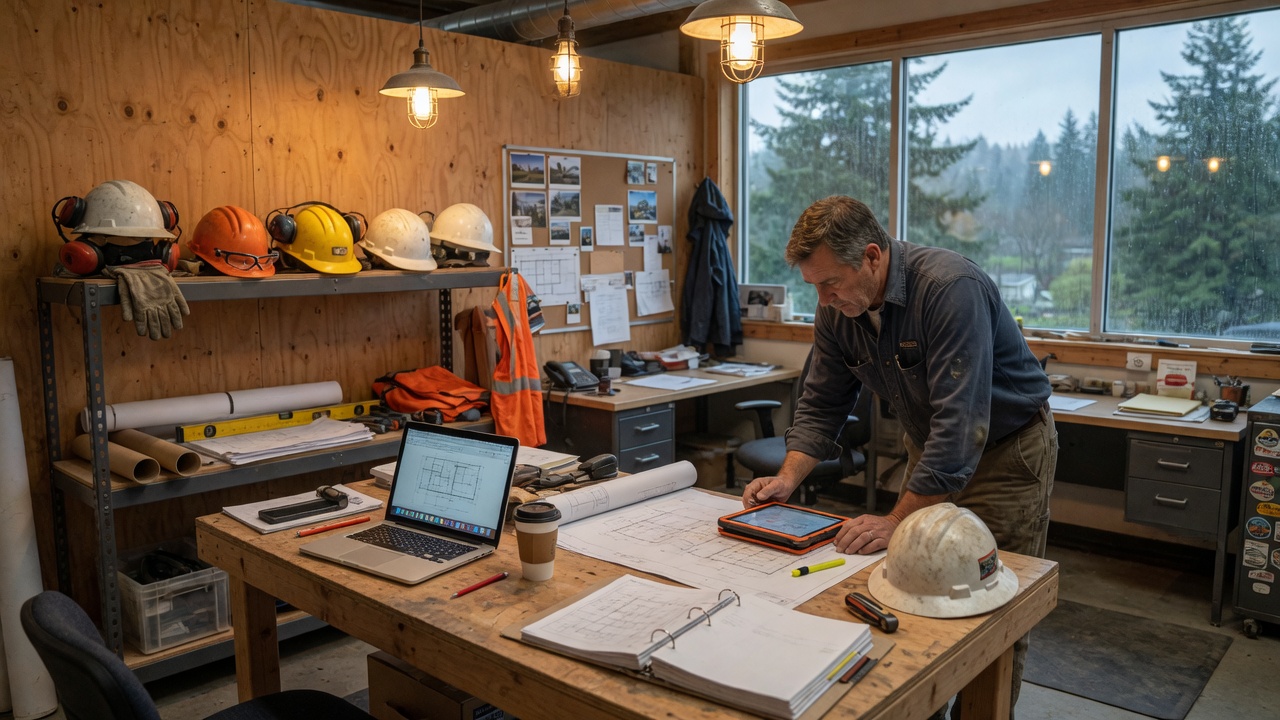
Field crews + an office that runs on email
A construction or trades company with office staff and people in the field. When something breaks, work stops until someone can get a tech on the phone, or the owner spends Saturday fixing a machine that should have been patched months ago.
Emergency IT is the business plan
The office manager is still the unofficial help desk. Crews need email, job photos, and working laptops between sites. Machines go unpatched until something dies. Break-fix invoices show up in the same month a crew is already late, and nobody owns “is this stuff backed up?” between emergencies.
The shop is not shopping for an enterprise NOC. They want fewer Saturday owner-fixes, a monthly number they can bid around, and someone who will come onsite when the office network or a batch of field laptops actually needs hands on it.
Stabilize first, then stay ahead
We start with what’s stalling a crew this month and what would hurt if a laptop walked off a truck—then put a monthly number on the rest.
Honest assessment
Map office vs field machines, what’s breaking, and what a typical emergency month costs. You’ll get a short plan and an honest comparison to staying on break-fix.
Stabilize first
Fix the loudest issues—access, email, flaky Wi‑Fi, aging machines—so the team can work while longer-term hygiene goes in.
Basics that prevent tickets
Monitoring options, patching, and backups with restore in mind so fewer problems only show up when a crew is already late.
Help desk + onsite
Same-day remote for lockouts and apps; onsite when the shop floor, office network, or a batch of machines needs hands-on work.
Managed relationship
Predictable monthly support, with project work for expansions, new hires, and office moves—so growth doesn’t restart the break-fix cycle.
Around jobsites, not a downtown calendar
Office vs field machines, what’s stalling crews, and how that stacks up against a monthly number.
Fix access and the loudest machines. Start patching and backing up field laptops so job photos don’t live on one drive.
A plan the shop can bid around, plus onsite when the office network or a batch of PCs needs hands on it.
What that looks like day to day
- ✓ Rough months stop meaning a pile of emergency invoices with no plan behind them.
- ✓ Field and office staff know who to call—and it isn’t the owner’s cell.
- ✓ Security and backups have an owner between emergencies, not just after them.
A crew that can’t send an estimate or pull job photos is already late. The work is fewer of those mornings—and a monthly number the owner can put next to last year’s emergency invoices.
Common questions from trades businesses
Is managed IT more expensive than break-fix?
Often it costs less than a year of stacked emergencies—especially when you count owner time and downtime. We’ll show the comparison honestly. If project-only work still fits, we’ll say so.
Do you do onsite for the shop and field gear?
Yes. Remote first for lockouts and apps; onsite across Western Washington when the network, office, or a batch of machines needs hands-on work.
Can we start small and grow into managed?
Absolutely. Many shops start by fixing the loudest issues, then move to a monthly plan once the foundation is solid. No pressure to buy more than you need.